
Why this renewal stood out
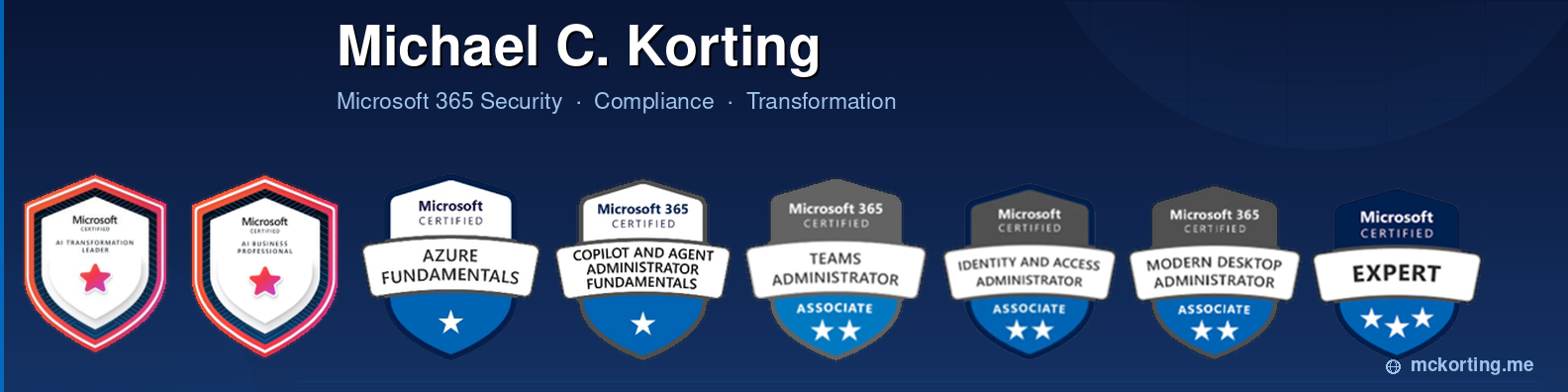
I recently worked through renewal-style questions tied to the Microsoft 365 Certified: Administrator Expert and Microsoft 365 Certified: Endpoint Administrator Associate certifications. What stood out was not that the questions were obscure or overly academic. It was the opposite. The topics lined up closely with the kinds of decisions Microsoft 365 administrators and consultants make in real environments every day.
The themes were familiar: Conditional Access, Microsoft Entra ID, multifactor authentication, Intune compliance, endpoint enrollment, Privileged Identity Management, sensitivity labels, SharePoint Online protection, and Data Loss Prevention. In other words, the renewal process was not really testing trivia. It was reinforcing the operational muscle memory required to manage Microsoft 365 responsibly.
Renewals are a current-state checkpoint
Microsoft 365 changes constantly. Admin centers evolve, defaults shift, licensing boundaries matter, and security recommendations continue to mature. That is why renewals have value. They force us to validate whether our understanding still matches the current platform instead of relying on how things worked a year or two ago.
Microsoft’s certification renewal process is also intentionally different from the original certification exam. Renewals are free, completed through Microsoft Learn, and available during the renewal window before a certification expires. The purpose is to keep skills aligned to current technologies and industry changes, not to recreate the original exam experience.
What MS-102 represents in the Microsoft 365 world
The MS-102 path represents the broader Microsoft 365 administrator role. This is the person expected to understand the tenant as an integrated platform rather than a collection of disconnected workloads. Identity, security, compliance, endpoint administration, Exchange, SharePoint, Teams, Defender, and Purview all overlap in real-world administration.
That is why the Microsoft 365 Administrator Expert certification matters. It reinforces the idea that a Microsoft 365 administrator is often the integration point across multiple teams and services. A configuration decision in Conditional Access may affect Exchange Online, Teams, SharePoint, mobile access, unmanaged devices, and third-party line-of-business scenarios. A Purview decision may affect SharePoint, OneDrive, Exchange, Teams, and Copilot experiences. These are not isolated choices.
Identity and access are still the foundation
Several of the renewal concepts centered around Conditional Access and MFA. That makes sense because identity is still the control plane for Microsoft 365. Whether a user is accessing Outlook, SharePoint, Teams, or a SaaS application integrated with Microsoft Entra ID, the access decision often comes down to who the user is, where they are coming from, what device they are using, and what risk or compliance signals are available.
This is where renewal questions are useful. They force administrators to think through the actual policy surface: assignments, conditions, access controls, grant controls, session controls, device platforms, compliant device requirements, and MFA requirements. Those details matter because poorly designed Conditional Access policies can either leave gaps or create unnecessary friction for users.
Privileged access cannot be treated casually
Privileged Identity Management also appeared in the sample themes, and that is another area where certification knowledge translates directly into better administration. Administrative roles should be assigned intentionally, activated only when needed, and governed through approval, justification, and review where appropriate.
In real environments, privileged access is one of the highest-risk areas of Microsoft 365. Understanding which roles can approve activation, how eligibility differs from active assignment, and how least privilege should be maintained is not just exam content. It is practical security hygiene.
What MD-102 represents in the endpoint world
MD-102 focuses on modern endpoint administration. That includes planning and executing endpoint deployment strategies, managing devices and applications, integrating with Microsoft Intune, and protecting endpoints across different platforms and device types.
For anyone working with Intune, Windows 11, Android, iOS, iPadOS, Microsoft Entra joined devices, registered devices, compliance policies, configuration profiles, and endpoint security baselines, this certification maps closely to day-to-day work. The endpoint is no longer just a managed laptop sitting on a corporate LAN. It is often a cloud-managed, identity-aware, policy-driven device accessing corporate resources from anywhere.
Compliance policies are more than a green check mark
One of the most practical areas covered by renewal-style questions is device compliance. At first glance, compliance policies seem simple: create a policy, evaluate a device, and mark it compliant or noncompliant. In practice, they become a key dependency for Conditional Access and Zero Trust designs.
A compliant device requirement is only useful if the compliance policy is meaningful, scoped correctly, and supported by proper enrollment. Administrators need to understand platform differences, device ownership models, operating system support, and the relationship between Intune compliance and Microsoft Entra Conditional Access. That is exactly the type of practical understanding MD-102 helps reinforce.
Information protection is now part of core administration
The renewal themes also touched Microsoft Purview, sensitivity labels, and Data Loss Prevention. That is important because compliance is no longer something only a separate compliance team needs to understand. Microsoft 365 administrators are often asked to help protect documents, classify information, configure DLP policies, and explain how labeling affects users and content locations.
Sensitivity labels, label policies, auto-labeling support, and DLP locations all require careful design. A label that encrypts documents, a DLP policy that applies across Exchange, SharePoint, OneDrive, Teams, and Copilot-related experiences, or a policy scoped to a specific workload can all have real operational impact. Understanding those details helps avoid over-blocking, under-protecting, or creating policies that users do not understand.
Why certifications still matter even when you have experience
I have always believed that certifications do not replace experience. Passing an exam does not automatically mean someone can run a complex migration, troubleshoot a broken enrollment profile, design a proper Conditional Access rollout, or cleanly implement Purview labels in a live tenant.
But experience without structured learning can create blind spots. Certifications help create a map of the platform. They expose areas that may not appear in every project but still matter when designing, operating, or advising on Microsoft 365 environments. Renewals are useful because they refresh that map as Microsoft updates the platform.
The real-world value for consultants and administrators
For consultants, certifications provide a useful baseline when speaking with customers about security and management strategy. For administrators, they provide a way to validate skills across workloads that are often deeply connected. For both groups, the real value is confidence: confidence that when a customer asks about MFA, compliant devices, sensitivity labels, Windows Enterprise activation, endpoint enrollment, or DLP scope, the answer is grounded in current Microsoft 365 concepts.
This matters even more as organizations adopt more advanced features across Microsoft Defender, Microsoft Purview, Microsoft Intune Suite, Microsoft Security Copilot, Windows 365, Azure Virtual Desktop, and Microsoft Entra. The Microsoft 365 administrator role keeps expanding, and the endpoint administrator role continues to become more identity- and security-driven.
My takeaway from the renewal process
The MS-102 and MD-102 renewals were a good reminder that Microsoft 365 administration is a living discipline. These certifications are not just about proving that you once understood the platform. They are about staying aligned with how the platform works now.
The best administrators I know are not the ones who memorized the most exam answers. They are the ones who understand how the pieces fit together: identity, devices, applications, data, compliance, security, and user experience. That is why I continue to see value in renewing these certifications.
Final thoughts
Renewing MS-102 and MD-102 reinforced something I already believe: Microsoft 365 skills need regular maintenance. The platform changes too quickly to treat certification as a one-time event.
The renewal process is a practical checkpoint. It keeps identity sharp. It keeps endpoint management current. It keeps compliance and information protection in view. And most importantly, it helps ensure that the guidance we give customers, users, and organizations reflects the modern Microsoft 365 platform.